

Common website problems like “the site is slow” or “the site is ugly” usually describe symptoms, not root causes. The real issue may be performance debt, weak messaging, outdated design, poor site architecture, or a platform that can no longer support the business.
If you keep hearing colleagues expressing complaints like “the site feels off,” “our site is so slow,” or the most hurtful one, “our site sucks,” you might be thinking that a redesign is in order. But these complaints aren’t actual website problems. They’re signals, pointing to a root cause (or causes) that can be fixed. But you have to decode them first. By the end of this article, you’ll know whether you’re looking at quick fixes or a major overhaul.
The Translation Problem
Marketing leaders are close to their websites in some ways and surprisingly far from them in others. You know what the site is supposed to do. You feel it when it isn’t doing it. But the common website problems that surface in meetings, like “it’s ugly,” is user experience translated through frustration, not technical insight.
That’s not a criticism. It’s just the reality of how website problems get reported. The fix is to take those complaints seriously as diagnostic data and ask: what’s actually causing this?
Quick Reference: Common Website Problems Decoded
| Website problem or complaint | What it usually means | Likely cause | Likely fix |
|---|---|---|---|
| The site is slow | Pages feel frustrating to use | Performance debt or weak platform architecture | Optimize or rebuild |
| The site is ugly | Design feels outdated or off-brand | Visual design drift or brand mismatch | Refresh design or revisit brand |
| Nobody uses it | Traffic or conversions are weak | SEO, UX, messaging, or IA issues | Diagnose traffic and conversion paths |
| It doesn’t represent us anymore | The business evolved | Messaging and structure are outdated | Update core pages first |
| It’s not mobile | Poor phone experience | Responsive implementation or legacy structure | Template fixes or rebuild |
Each of these website problems is explored in detail below.
Common Website Problems and What They Actually Mean

Website Complaint: “The site is slow.”
What people mean: Pages take too long to load. They’ve noticed it on their phone, or a client mentioned it, or Google told them.
What it could actually be:
Slow sites usually have one of several underlying causes, and they’re not all the same website problem.
- The most common is performance debt: unoptimized images, bloated plugins, outdated code, no caching layer. This is a maintenance and implementation problem. It’s real, and it matters, but it doesn’t require tearing the site down. A rolling redesign can address this section by section, prioritizing the highest-traffic pages first and measuring improvement at every step.
- A less obvious but frequent website problem is third-party script bloat: analytics platforms, chat widgets, ad tracking pixels, and video embeds that load on every page. These are often invisible to your development team because they were added by marketing over time. Before assuming the site needs a rebuild, auditing what’s firing on page load can reveal quick wins that don’t require a redesign at all.
- The harder website problem is platform architecture: a CMS or hosting setup that’s fundamentally undersized for your traffic, or a page builder that generates so much markup that no amount of optimization fixes it. Elementor, WPBakery, and Divi are the usual suspects here. If your site is built on one of these and it’s slow, you’re not going to optimize your way out of it. That’s a structural problem, and it usually requires a rebuild.
How to tell: Can your developer point to specific causes, plugins, image sizes, server response time, and show you what improvement looks like? If yes, you’re probably looking at fixable performance debt or script bloat. If the answer is “the platform just can’t handle it,” you have a more foundational issue.
When to optimize vs. rebuild:
- Start with a performance audit before committing to either path.
- Tools like Google PageSpeed Insights and GTmetrix can tell you where time is being lost. If the issues are concentrated in a few fixable areas, optimize first.
- If the platform itself is the bottleneck, no amount of optimization will move the needle enough to matter.
Website Complaint: “The site is ugly.”
What people mean: The design feels dated, generic, or misaligned with where the brand is today. You wouldn’t send a prospect there if you could help it.
What it could actually be:
“Ugly” is almost always a fixable website problem, without a full rebuild, if the underlying structure is sound. Visual design and layout can be improved section by section. A rolling redesign is particularly well-suited here because you can start with the pages that matter most: the homepage, the services section, or other key conversion points.
Worth noting: “ugly” sometimes signals a usability problem, not just an aesthetic one. If the site looks fine but feels hard to use, the complaint may really be about confusing navigation, too much text, or a layout that doesn’t guide the eye to what matters. That’s a UX problem, and it deserves its own diagnosis separate from visual design.
The exception is when the visual website problems are symptoms of a deeper issue. If the design feels wrong because the brand has new positioning, a new audience, or major messaging changes, redesigning individual pages may feel inconsistent. A fresh visual direction applied to an old structure rarely holds together.
How to tell: Is the brand itself stable?
- If your logo, voice, and positioning are settled for the next few years, you’re probably in rolling redesign territory.
- If the brand is in flux, the visual work should wait until you know what you’re expressing.
- And if “ugly” comes up alongside complaints about ease of use, treat those as two separate website problems before trying to solve them together.
When to optimize vs. rebuild: If the visual system is salvageable and the brand is stable, rolling redesign wins. If the brand is changing significantly or the site’s visual problems are inseparable from its structural ones, a rebuild gives you a cleaner starting point.
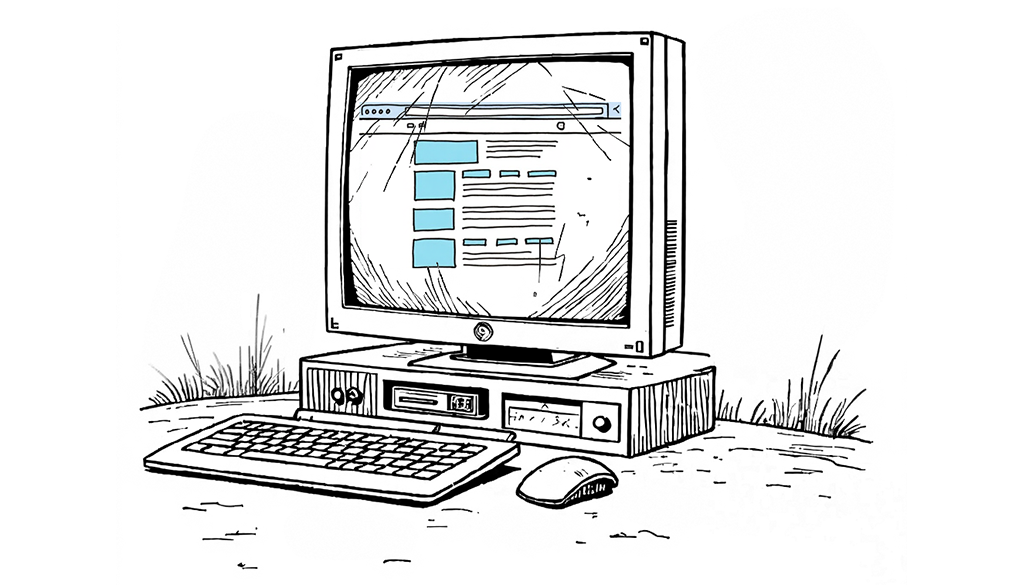
Website Complaint: “Nobody uses the website.”
What people mean: Traffic isn’t converting. Leads aren’t coming in. The site exists, but it doesn’t seem to be doing anything.
What it could actually be:
This one requires the most careful unpacking, because “nobody uses it” can mean several very different website problems. It’s also worth saying upfront: sometimes the website is not the problem at all. An unclear offer, misaligned sales expectations, or the wrong traffic can make a functional site appear ineffective. Before redesigning anything, it’s worth ruling out whether the problem is actually the site.
If the site gets traffic but visitors don’t convert, that’s a conversion problem. The pages aren’t doing their job: the messaging is unclear, the calls to action are buried, the forms are friction-heavy. These are fixable. You can identify the 3 to 5 pages with the highest traffic and lowest conversion, improve them first, and measure what changes. This is rolling redesign work.
If the site doesn’t get traffic at all, that’s an SEO and content problem. Better design won’t fix it. You need content strategy and search visibility work, which may or may not accompany a redesign.
If visitors can’t find what they’re looking for, that’s an information architecture problem. It has to do with how your pages and navigation are structured, and that’s a trickier issue. Reorganizing navigation and page hierarchy is not always a small lift. It depends on how entrenched the current structure is and whether the CMS can support changes without breaking things. Sometimes it’s fixable incrementally; sometimes the architecture is so wrong that a rebuild is the cleaner path.
How to tell:
- Where specifically are people leaving?
- What are they looking for that they’re not finding? If Google Analytics or Hotjar can give you answers, you have something to act on.
- If the traffic itself is thin or low-quality, address that before the design. If you don’t have that data yet, collecting and reviewing it should be your first step, before you make any decisions.
When to optimize vs. rebuild: If the issue is conversion or content, start there incrementally. If the architecture is fundamentally wrong for your audience and goals, a rebuild may be more efficient than trying to reorganize what exists. If you’re not sure, that’s exactly what our diagnostic is designed to clarify.
Website Complaint: “It doesn’t represent us anymore.”
What people mean: The company has evolved. The site hasn’t kept up. There’s a gap between what you do now and what the website says you do.
What it could actually be:
This is one of the most common website problems we encounter, and it’s often more fixable than it feels. The emotional weight of “the site doesn’t represent us” can make it seem like everything needs to change, but usually, a handful of pages are doing the most damage.
The home page, the about page, and key service or product pages carry almost all of the brand representation weight. If those are wrong, everything feels wrong. If you can identify and fix those first, you buy yourself some real runway while the rest of the site catches up.
The exception is when the misrepresentation is structural: when the services you offer now don’t map to the navigation that exists, or when the audience you’re serving has changed so fundamentally that the entire site is organized around the wrong assumptions. That’s an architecture problem, and it may require more than incremental improvement.
How to tell:
- Which specific pages are creating the biggest gap between what you are and what the site says you are?
- If you can list five or fewer, you likely have a rolling redesign opportunity.
- If the answer is “basically everything,” it’s worth exploring whether the site’s bones can support what you need, or whether a rebuild is worth the investment.
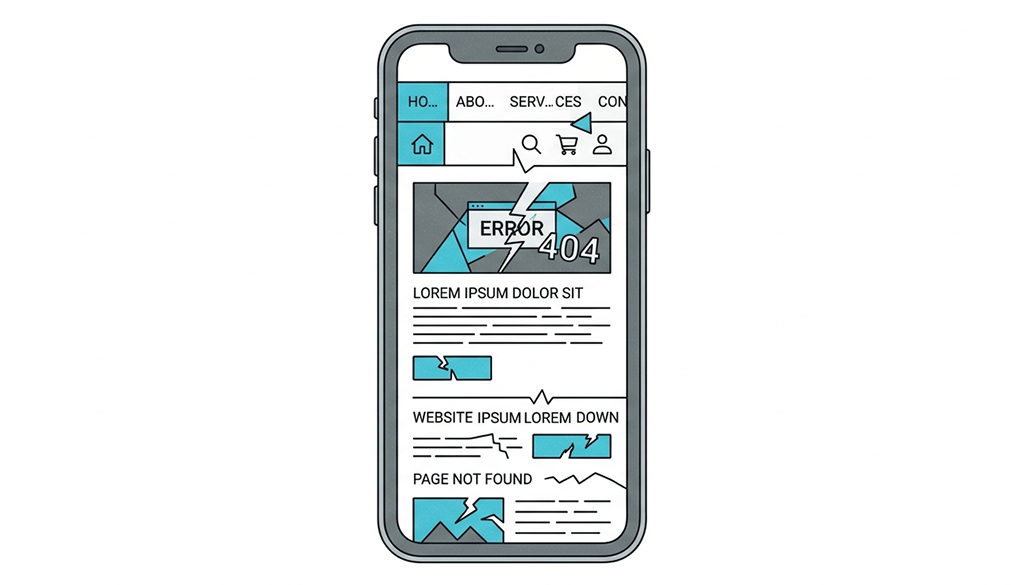
Website Complaint: It’s Not Mobile-Friendly
What people mean: The site looks or works poorly on mobile devices. This website problem usually surfaces when someone checks the site on their phone and is embarrassed by what they see.
What it could actually be:
Responsive design issues range from “needs some CSS attention” to “was built in an era before mobile mattered, and nothing about its structure supports it.” But “bad on mobile” isn’t always a layout issue. Sometimes the website problem is really about friction, buttons that are too small to tap, text that requires zooming, or checkout and contact flows that were designed for desktop and never adapted. These are usability problems that can exist even on technically responsive sites, and they’re often fixable without touching the underlying structure.
If the site is on a modern CMS and was built in the last five years or so, mobile website problems are almost always fixable without a full rebuild. They’re often even addressable at the component level, improving the mobile experience of a single page template at a time.
If the site is built on a legacy platform or a page builder that generates fixed-width layouts, you may be fighting physics. Some platforms simply weren’t built with responsive design as a first principle, and no amount of CSS can fully compensate.
How to tell:
- Does the site render responsively at all, or does it just shrink?
- Is the complaint about layout or about usability, specifically forms, buttons, and interactive elements?
- If it’s responsive but imperfect, you’re fixing the implementation.
- If it’s not responsive by design, you’re looking at platform-level work.
When to optimize vs. rebuild: Mobile usability fixes and responsive CSS improvements are strong candidates for a rolling redesign. If the platform doesn’t support responsive layouts at all, that’s a foundational website problem that requires a more significant intervention.
The Two-Question Test for Any Website Problem
Before you book a discovery call or put together a redesign RFP, run every complaint through two questions:
- Is this a symptom or a cause?
Symptoms include slow pages, dated visuals, low conversion, and poor mobile experience. Root causes include weak platform architecture, content gaps, poor UX, outdated templates, and platform limitations. These can be fixed. - Are the bones good? A rolling redesign works when the underlying structure, the CMS, the page architecture, and the URL patterns can support incremental improvement. If the foundation itself is the problem, you’ll end up putting new siding on a house that needs a new frame.
If the bones are good, don’t wait for a full rebuild to get started. The highest-impact pages on your site can be improved in weeks, not months, and every improvement gives you data to guide the next one.
If your website problems run deeper, the right move is to get clear on scope before you commit. Platform end-of-life, a fundamental brand shift, or broken architecture all change the equation. Knowing the full scope early saves you from a project that stalls halfway through.
What to Do Next
The most useful thing you can do right now is get specific. Take the website problems you’ve heard about, or the ones you’ve said yourself, and start asking what’s actually causing them.
If you’d like a structured way to do that, we built a free diagnostic that helps you figure out whether your site is a candidate for a rolling redesign or whether a full rebuild makes more sense. It takes about five minutes and gives you a concrete recommendation based on your actual situation.
Or if you already know the site needs work, and you want to talk through what the right approach looks like, we’re happy to have that conversation directly.