

You’ve checked the analytics dashboard. You’ve tested headlines, changed CTAs, hired a copywriter, and still, the numbers are flat. Conversion rates are not improving. Pages feel slow. Landing pages take a week to build and another week to approve. Before you question your strategy, your team, or your budget, ask a harder question: What if your CMS platform is the problem?
This isn’t a horror story. It’s a diagnostic. Some website problems can be fixed with better marketing. Others are structural, and no amount of tweaking will fix them. Here’s how to tell the difference.
The Usual Suspects (That Aren’t Actually the Problem)
When a website underperforms, teams look at the content first. They review the message, SEO, paid ads, and email campaigns. Those things matter.
But they all sit on top of your content management system (CMS), hosting, and tech stack. If that foundation is weak, even strong campaigns will leak.
We’ve all been tasked to “do more with less.” So we keep using old systems because replacing them is too hard or too expensive. Over time, the workarounds become business as usual.
We see this often with old WordPress builds and aging Drupal sites. WordPress and Drupal are both strong platforms. But after years of patches, plugins, and custom fixes, everything sitting on top of them is balanced like a Jenga tower. Move the wrong piece, and the whole thing falls apart.

How to Tell If Your CMS Platform Is the Problem
- Your team has built workarounds for basic tasks.
If publishing a blog post requires a developer, or if updating a hero image means submitting a ticket, that’s not a workflow. That’s a warning sign. Modern CMS platforms are built so marketers can move independently. If yours isn’t, the bottleneck is structural. - Page speed is a chronic issue, not a one-time fix.
Google’s Core Web Vitals are now a ranking factor, and visitors abandon slow pages fast. Especially on mobile. In fact, Google themselves reported that a 0.1 second improvement can boost conversion rates up to 10%. If your dev team is constantly patching individual speed issues rather than solving them site-wide, the architecture itself may be what’s preventing your pages from loading quickly. - Personalization, integrations, or analytics feel like engineering projects.
Connecting your CMS to your other tools shouldn’t require a six-week sprint. If basic software integrations can’t be done without a developer, your platform is probably in need of an upgrade. - You can’t run campaigns without IT involvement.
The best marketing organizations can spin up landing pages, run experiments, and update content in hours. If your campaigns are waiting in a development queue, you’re not just losing time. You’re losing out on time to market. - You’ve outgrown the template.
A legacy WordPress setups or end-of-life Drupal installation made sense at the time. It was affordable, familiar, or “good enough.” But as your traffic, amount of content, and customer expectations have grown, these platforms can’t keep pace. What was once a solid foundation is now a ceiling.
Not every website issue means your CMS needs replacing. Use this quick comparison to separate fixable issues from deeper platform problems.
| Symptom | Fixable Issue | CMS Platform Problem |
|---|---|---|
| Slow pages | A single image or page script | Site-wide speed problems |
| Campaign underperforms | A single offer doesn’t land | Every landing pages takes weeks to launch |
| Broken integrations | A single tool has a setup issue | Every integration requires custom dev |
| Content updates are slow | Process has too many steps | Publishing requires IT help |
| SEO growth has stalled | Content gap | Technical debt blocks performance |
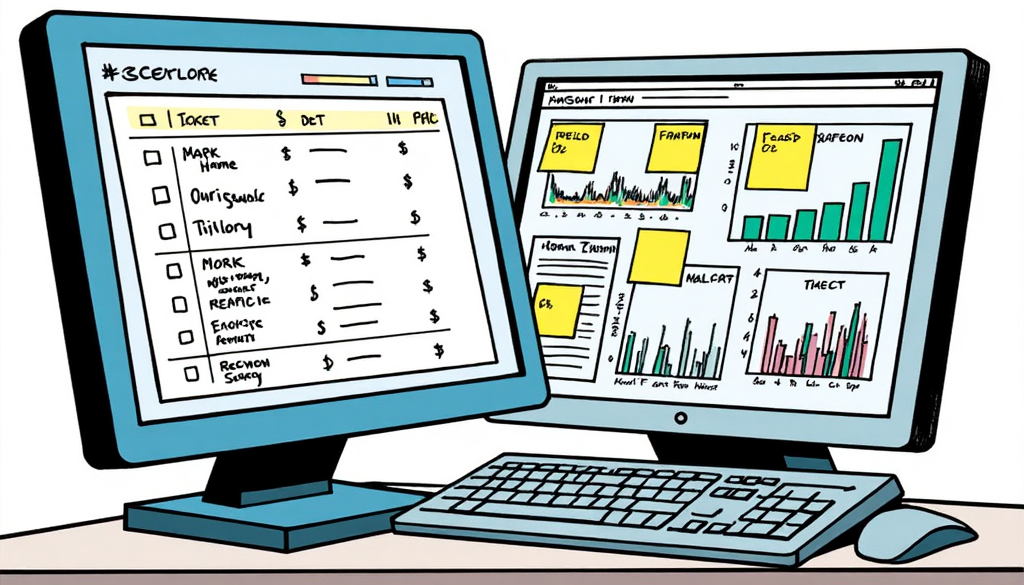
When the CMS Is Not the Problem
Not every performance issue points to a platform problem. Before you plan a CMS migration, rule out simpler causes: poor hosting, oversized images, too many plugins, unclear messaging, weak offers, tracking errors, or low-quality traffic. A better platform can remove structural barriers, but it will not fix a weak strategy or an unclear customer journey.
What is a Structural CMS Problem?
A structural CMS problem isn’t about the age of the platform. It’s about constraints: when the platform itself is limiting what your site can do.
The most common culprits are:
- Page builders like Divi and Elementor lock your content inside proprietary code. This means your layouts, designs, and copy are stuck in a format that only that builder can understand. If you switch themes, update WordPress, or try to migrate, and years of work can break. What once felt like flexibility is now a cage.
- End-of-life Drupal installations present a different problem. (Drupal 7, 8, and 9 have all reached end of life.) Without security patches, an end-of-life platform is a liability. It also prevents you from adding new integrations, limits feature upgrades, and restricts connections to the marketing tools your team needs.
In both cases, you’re not just behind. You’re frozen.
So, how do you know if you have a deeper platform problem? Ask this: Is the platform costing you conversions, organic traffic, or speed-to-market? If the answer is yes, you’re not looking at a marketing problem. You’re looking at a platform problem.

The Hidden Cost of Staying Put
Migrations feel expensive. So teams delay. They patch. They find workarounds. And the cost of staying on a platform that doesn’t work for you keeps growing in ways that won’t show up as a line item.
A slow site doesn’t send you an invoice. It just stops ranking. A development queue doesn’t bill you for the campaign you launched two weeks late. It just lets a competitor move faster. The hours your dev team spends on CMS maintenance don’t appear in a lost-revenue column. They just don’t get spent building something better.
The status quo has a price. It’s just designed to be invisible.
Identifying a CMS Platform Problem
Suspecting your platform is the problem is different from knowing it. Before you can make the case, you need evidence. Here’s how to build it without a technical background:
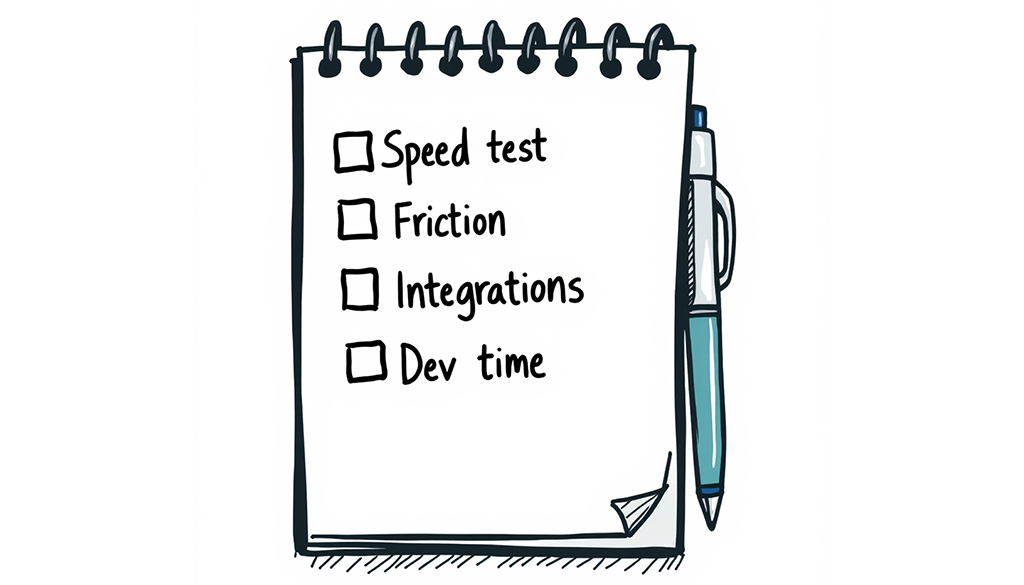
- Run a free speed test on your own site. Tools like Google PageSpeed Insights and GTmetrix are free and require no login. Put your homepage and your top three landing pages to the test, and note the scores. Then run the same test on two or three competitors. If they’re consistently faster, you’re not dealing with a content problem.
- Document the friction, in writing, for one month. Every time a marketing task requires a developer, a ticket, or a workaround, write it down. What was the task? How long did it take? What didn’t get done while you waited? A month of this data is more persuasive than any anecdote.
- List every integration that doesn’t work the way you need it to. CRM sync, marketing automation, analytics, personalization tools. Note which ones required custom development, which ones are partially connected, and which ones you abandoned. If your martech stack is held together with duct tape and gum, that’s the platform, not the process.
- Ask your dev team one direct question: “What percentage of your time last quarter went to CMS maintenance versus new development?” An honest ballpark answer will tell you a lot.
Four weeks of this gives you a documented case, not a hunch. It gives you the evidence you need to champion improvements instead of workarounds.
Before You Call Anyone
If your self-audit confirms the platform is the problem, there are a few things worth doing before you look for a partner to save yourself time and money.
- Get clear on what “better” actually means for your team. Most tools have the same features, so focus on the actual outcomes you want. Faster time-to-publish? Independent campaign builds? Fewer developer dependencies? Write these down in plain language. The more specific you are, the easier it is to evaluate whether a proposed solution actually solves your problem.
- Pull your content inventory. You don’t need a perfect audit, but you do need to know how much content exists, what’s worth migrating, and what should be cut. Agencies will ask. Teams that have thought about this in advance move faster.
- Know your constraints upfront. Budget range, timeline, internal bandwidth, and whether you have a developer available to support a migration. You don’t need final answers. But knowing the difference between “we need this done in six months” and “we have eighteen months and a dev on staff” changes the kind of engagement that makes sense.
- Identify a project champion. Platform migrations stall when no one owns them. Before you bring in outside help, name the person inside your organization who has the authority and the bandwidth to make decisions. If that person isn’t you, get them in the room early.
If you’ve done this work and you’re ready to pressure-test it, that’s where we come in. Our complimentary website review covers both sides: a diagnostic review of what your current setup can and can’t do, and a collaborative conversation about what a migration would actually require for your organization. No pitch. Just clarity on whether your platform is the problem, and if it is, what a realistic path forward could look like.